
The platform layer receives some of the most wide-reaching changes in this release — from the Modern UI becoming the default experience to a powerful new query language and a completely rebuilt customer portal.
The Modern UI
The Modern UI is now suggested as the default during new deployments, and administrators can switch the entire site or individual forms at any time. Key enhancements include colour-coded record statuses across the system, dashboards built for the Modern UI, pivot table representations for generic inquiries, and improved ARM report building and import scenario creation. If you haven't explored the Modern UI yet, now is the time — it's a noticeably faster, cleaner experience.
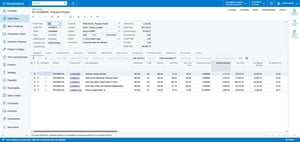
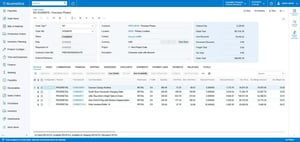
To find out more about the improvements made in Modern UI, see Modern UI.
Build Generic Inquiries Faster with GIQL
GIQL (Generic Inquiry Query Language) is a major addition for power users and administrators. Instead of configuring inquiries through multiple form tabs, you write queries using a familiar SQL-like syntax that references DACs and fields directly. The integrated GIQL Editor provides syntax highlighting, interactive infotips, real-time validation, and auto-completion. If you've ever found the multi-tab configuration process for generic inquiries cumbersome, GIQL is the answer.
Dashboards in the Modern UI
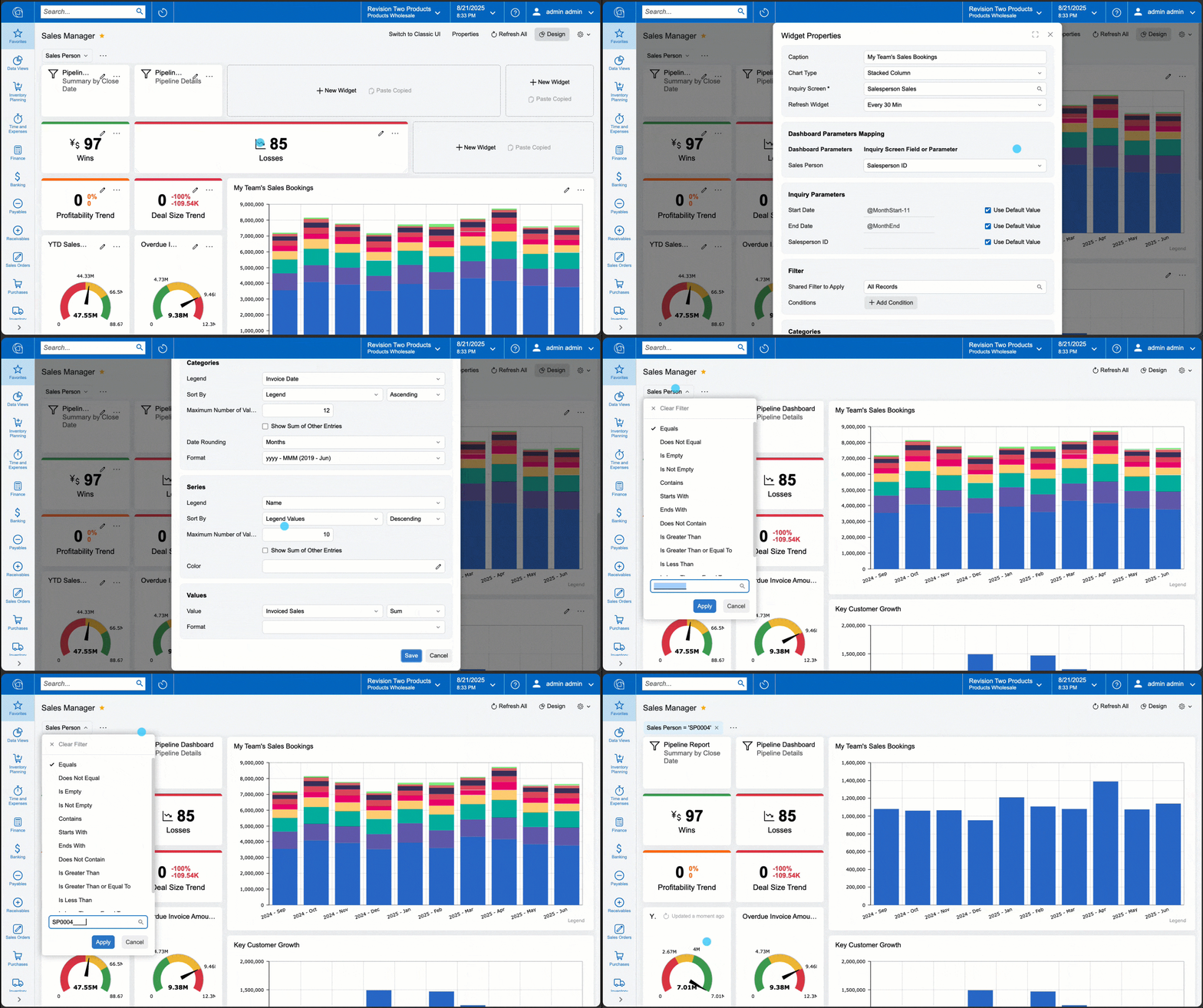
MYOB Acumatica 2025.2.1 introduces dashboards built specifically for the Modern UI, delivering a sleeker design, faster performance, and a more intuitive experience for both dashboard creators and users. These dashboards represent a complete redesign from the Classic UI dashboards.
A Completely Rebuilt Customer Portal
The new customer portal is a ground-up rebuild that delivers centralised portal management from within MYOB Acumatica (no need to sign into each portal separately), role-based access control, an enhanced shopping experience with a modern catalogue and persistent cart, credit card payment capabilities, a unified Balance Overview form for managing invoices and payments, and integrated case management.
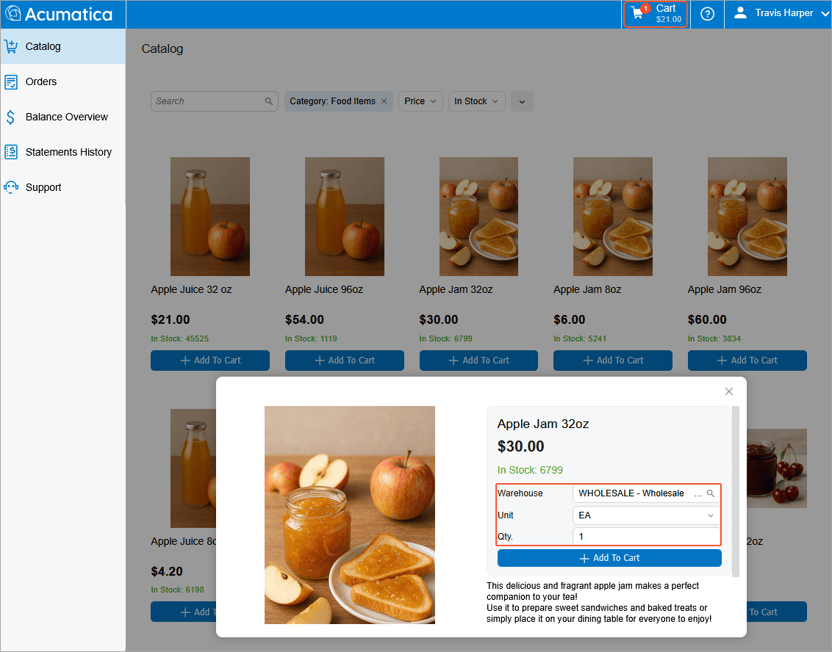
Note: This feature is available as part of the Modern UI, which we are rolling out in stages in 2026 This functionality is available only if the Modern Customer Portal feature is enabled on the Enable/Disable Features (CS100000) form. At this stage, the feature is available by request for testing and feedback purposes only and is not yet intended for production use.
Integration & Mobile Improvements
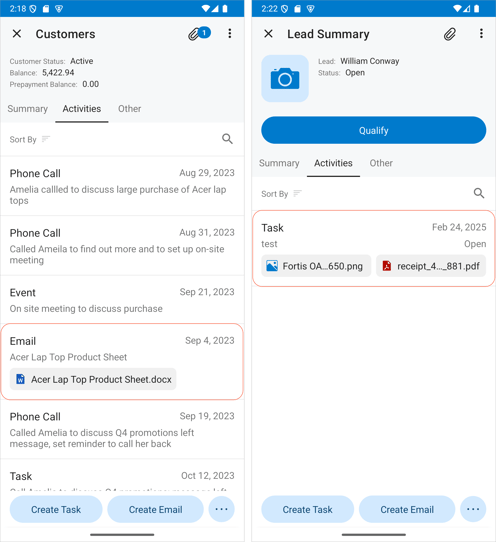
The Outlook Add-In now uses modern authentication (OAuth 2.0), bringing it in line with Microsoft's security requirements. The mobile app features enhanced attachment display with thumbnail previews, making it easier to review documents on the go.
Want to make the most of MYOB Acumatica 2025.2?
Our team at Avanza Solutions can walk you through the features that matter most to your business and help you plan your upgrade.
Book a demo | View the full release notes
The information in this blog is based on the MYOB Acumatica 2025.2 release and is intended for informational purposes only. Avanza Solutions is an independent MYOB Acumatica implementation partner and is not responsible for the development, release, timing, or availability of any features or functionality described. Feature availability may vary by licence, configuration, and region. The development and release of any product features remains at the sole discretion of MYOB. This content does not constitute a commitment to deliver any material, code, or functionality, and should not be relied upon in making purchasing decisions. For the most current product information, refer to the official MYOB Acumatica release notes.